
Four things shipped in Flyweel this month. The Agent now works alongside you anywhere in Flyweel. AdGrid finally works on your phone. Fraud alerts can warn you when an ad account looks compromised. And your numbers stay fresher. Plus a look at what’s coming next.
How does the Agent work on every page?Link to this section
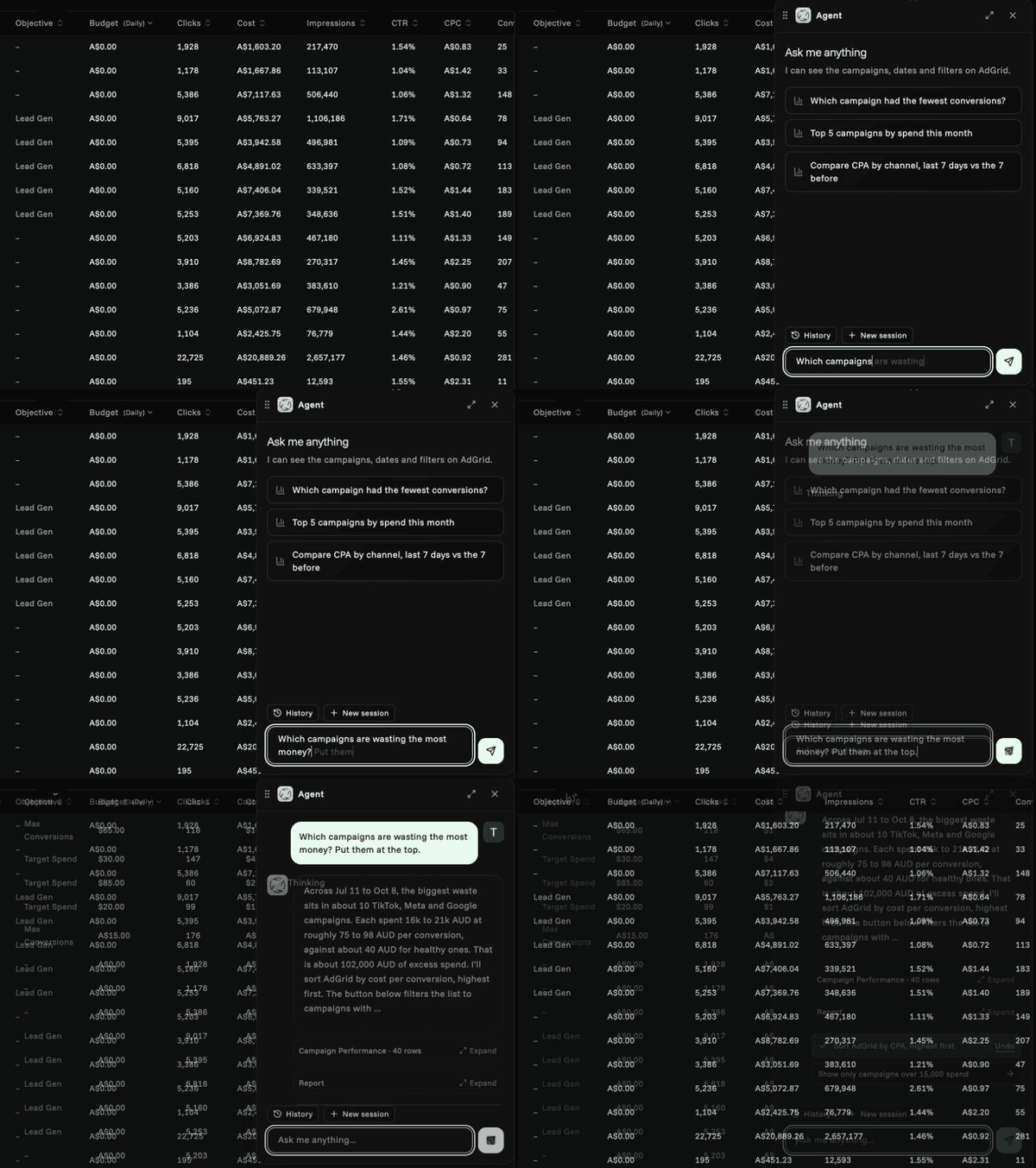
Open the Agent from the top of any page: AdGrid, Reports, Cards1, Invoices or Settings. It floats over the page, so your numbers stay in view while you ask. It keeps your conversation as you move around.
Ask which campaigns are wasting the most money and it tells you why, like the handful paying twice your usual cost per conversion. Then it puts them at the top of AdGrid for you. Every change it makes comes with an Undo.
Ask for a report on Meta for last month and it opens one with your accounts and dates filled in.
It only changes what’s on your screen. It never touches budgets, pauses campaigns or freezes cards.
Can I use AdGrid on my phone?Link to this section
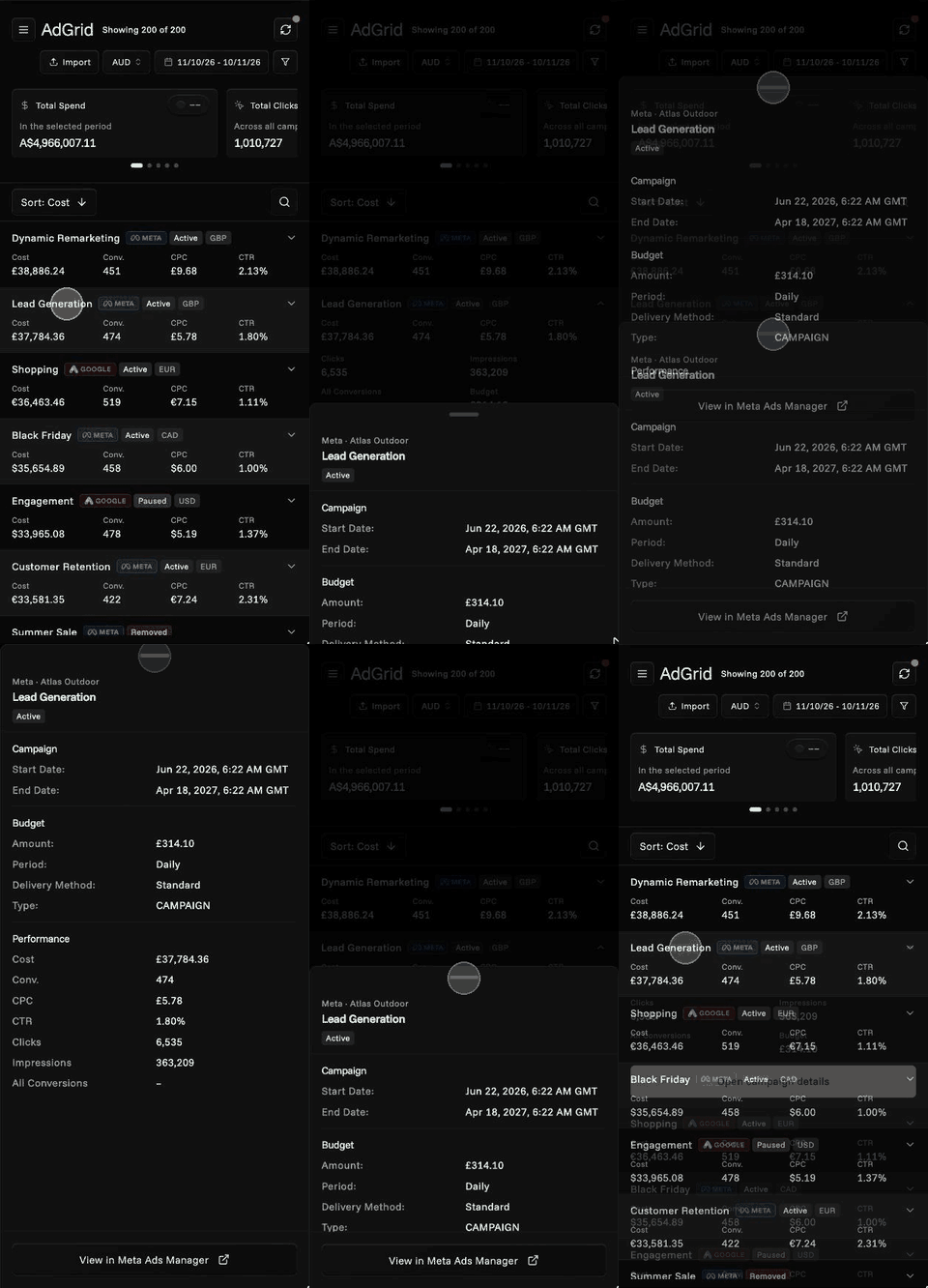
Yes. No more “use a desktop” screen. On your phone, your campaigns now show as cards with cost, conversions, CPC and CTR up front. Tap a card for more numbers, or open its details and drag them up or swipe them away.
Search, sort and filter all work too. Invoices and Capital activity work the same way, with more pages coming.
How do fraud alerts protect my ad accounts?Link to this section
A hijacked Meta ad account can run up charges on the card behind it before anyone notices. We cover how those takeovers work in Meta ad account hacks. Fraud alerts are built to catch it early.
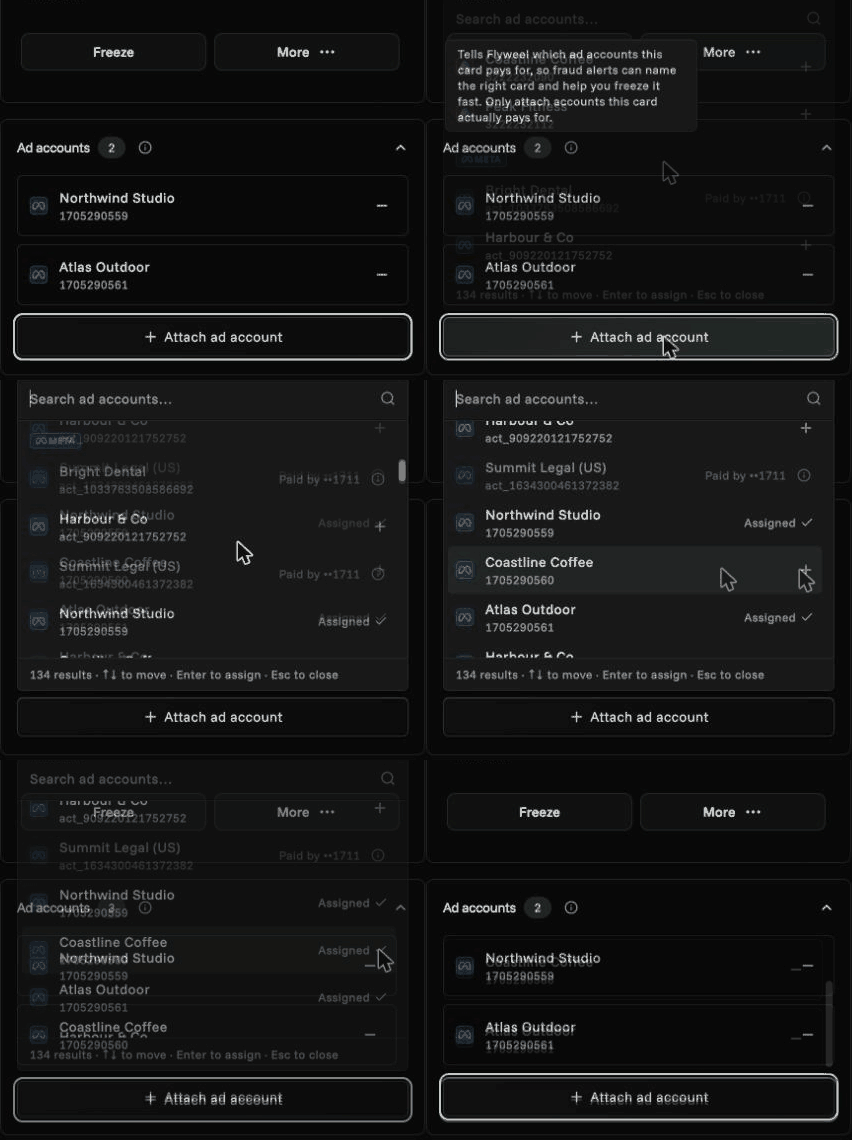
Each Flyweel card now shows which ad accounts it pays for. We pick up many links from Meta and Google automatically, and you can attach the rest yourself from the card’s details.
Then Flyweel watches those Meta accounts. If something looks wrong, we email your owners and admins, naming the card it’s on, with a link to freeze it. Things that trigger an alert include:
- Losing access to an ad account.
- An ad suddenly sending people to a website you haven’t approved.
- Spend jumping out of nowhere.
It’s opt-in and starts with Meta. It only alerts you and never pauses anything on its own.
Why are my numbers fresher?Link to this section
Every organization now gets a full year of ad data, and two years with Flyweel Cards or a paid plan.
Meta, Google and TikTok often correct the last few days of results after the fact. Every sync now re-checks those recent days, so late conversions and corrected spend show up in AdGrid and your reports.
We also fixed syncs that could get stuck halfway. Your numbers no longer quietly stop updating.
What’s coming next?Link to this section
Make changes in Meta from your AI assistant. If you connect Flyweel to Claude or another AI assistant, it will soon be able to make changes in Meta Ads for you. It can pause or rename campaigns, ad sets and ads, change budgets and bids, and duplicate ads with new copy.
It shows you every change first and only makes it once you confirm. We’re opening this to a few customers first. Email us if you’d like early access.
The Agent inside Flyweel still only changes what’s on your screen.
Get startedLink to this section
Already on Flyweel? Open AdGrid and try the Agent. New to Flyweel?
Got questions or ideas? Email the team. We read everything. For the full list of changes, see the v2.2 changelog.

